
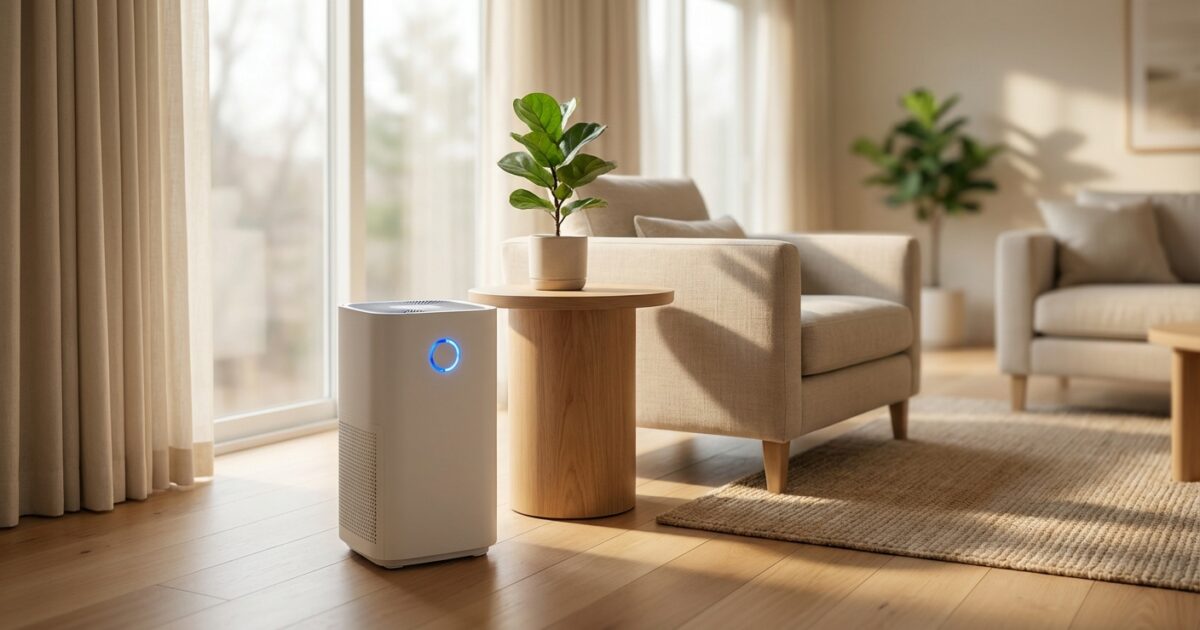
Your new home represents a fresh start, and ensuring clean, healthy indoor air should be a top priority as you settle in. Smart air purifiers that integrate with Home Assistant offer the perfect blend of health benefits and home automation convenience, allowing you to monitor and control your air quality remotely while creating intelligent automation routines.
Why Air Quality Matters in Your New Home
New homeowners often focus on visible improvements like paint colors and furniture placement, but indoor air quality deserves equal attention. Your home’s air can contain pollutants from construction materials, furniture off-gassing, dust from moving boxes, and outdoor contaminants that infiltrate through windows and doors.
Poor indoor air quality can trigger allergies, worsen asthma symptoms, and contribute to headaches and fatigue. For families with children or elderly members, clean air becomes even more critical. Smart air purifiers not only remove these contaminants but also provide real-time monitoring and data to help you understand your home’s air quality patterns.
Smart Air Purifiers vs. Traditional Models
Traditional air purifiers require manual operation and offer limited feedback about their effectiveness. Smart models revolutionize this experience by providing:
- Real-time air quality monitoring with detailed particle count readings
- Remote control capabilities through smartphone apps and smart home platforms
- Automated operation based on air quality sensors and schedules
- Filter life tracking with replacement reminders
- Integration opportunities with other smart home devices
- Energy usage optimization through intelligent scheduling
When integrated with Home Assistant, these benefits expand dramatically, allowing you to create sophisticated automation routines and centralize control within your existing smart home ecosystem.
Top Home Assistant Compatible Air Purifiers
Xiaomi Mi Air Purifier Series
The Xiaomi Mi Air Purifier lineup offers exceptional value and robust Home Assistant integration. Models like the Mi Air Purifier Pro H support the Miio integration, providing comprehensive control over fan speeds, modes, and air quality readings. These units feature HEPA filtration, real-time PM2.5 monitoring, and quiet operation suitable for bedrooms and living spaces.
Installation involves adding the Miio integration in Home Assistant and discovering your device on the network. You’ll gain access to sensors for air quality, filter life, and power consumption, plus controls for fan speed, mode switching, and LED brightness.
Philips Air Purifiers
Philips offers several models compatible with Home Assistant through the Philips Air integration. The AC2889 and AC3829 models provide excellent particle filtration with activated carbon layers for odor removal. These purifiers feature app connectivity and respond well to Home Assistant automation commands.
The integration provides entity controls for power, fan speed, and mode selection, along with sensors for air quality index, allergen levels, and filter replacement timing. Philips models typically offer multiple air quality sensors, giving you detailed insights into your indoor environment.
Dyson Air Purifiers
Dyson’s purifier lineup integrates with Home Assistant through the Dyson integration, supporting models like the Pure Cool and Pure Hot+Cool series. These units combine air purification with fan or heating functionality, making them versatile additions to any room.
Home Assistant integration includes comprehensive sensor data for temperature, humidity, volatile organic compounds, and particulate matter. You can control oscillation, fan speed, heating settings, and air quality display options directly from your dashboard.
Levoit Smart Air Purifiers
Levoit’s smart models work with Home Assistant through the VeSync integration, supporting popular models like the Core 400S and Core 600S. These purifiers offer three-stage filtration with true HEPA filters and activated carbon layers.
The integration provides standard controls for power, fan speed, and timer functions, plus air quality monitoring and filter life tracking. Levoit units typically offer excellent value for money while maintaining reliable smart home connectivity.
Blueair Smart Purifiers
Blueair’s connected purifiers integrate through the Blueair integration in Home Assistant. Models like the Blue Pure 411 Auto and HealthProtect series offer Swedish engineering with efficient particle removal and relatively quiet operation.
Integration features include air quality sensors, fan speed control, and LED indicator management. Blueair purifiers excel in energy efficiency and often include specialized filters for specific concerns like smoke or pet allergens.
Setup and Integration Process
Setting up your smart air purifier with Home Assistant follows a general pattern across most brands. Begin by connecting your purifier to your home WiFi network using the manufacturer’s app. This initial setup typically involves creating an account and registering your device.
In Home Assistant, navigate to Settings > Devices & Services > Add Integration and search for your purifier’s brand. Follow the authentication process, which may require entering login credentials or allowing Home Assistant to access your manufacturer account.
Once integrated, your purifier appears in Home Assistant with multiple entities representing different controls and sensors. Test basic functions like turning the device on and off, adjusting fan speeds, and viewing air quality readings to ensure proper connectivity.
Configure your Home Assistant dashboard to display relevant purifier controls and sensors in convenient card layouts. Consider creating dedicated views for air quality monitoring across multiple rooms if you have several purifiers.
Automation Ideas and Smart Home Integration
The real power of smart air purifiers emerges through thoughtful automation. Create schedules that automatically adjust purifier operation based on occupancy patterns, running at higher speeds during peak activity hours and reducing to whisper-quiet modes overnight.
Integrate air quality triggers that activate purifiers when particle counts exceed healthy thresholds. You can also create cross-device automations where air purifiers respond to other smart home sensors, such as increasing fan speeds when smart door sensors detect frequent entry and exit.
Weather-based automation adds another layer of intelligence. Configure your system to boost purification during high pollen days or when outdoor air quality reports indicate elevated pollution levels. Integration with smart thermostats can coordinate air purifier operation with HVAC cycles for optimal efficiency.
Consider presence-based automation using motion sensors or smartphone location data. Purifiers can automatically adjust to away modes when you leave home and resume normal operation upon your return, maximizing both air quality and energy efficiency.
Budget Considerations and Purchasing Strategy
Smart air purifiers range from under $200 for basic models to over $800 for premium units with advanced features. Focus your budget on models that offer reliable Home Assistant integration and appropriate coverage for your room sizes.
Calculate ongoing costs including replacement filters, which typically need changing every 6-12 months depending on usage and air quality conditions. Some manufacturers offer subscription services for automatic filter delivery, which can provide cost savings and convenience.
Purchase from retailers that offer good return policies, especially when buying online. Major home improvement stores, electronics retailers, and direct manufacturer purchases often provide the best combination of pricing and support.
Consider starting with one purifier in your most-used living space to test integration and automation capabilities before expanding to additional rooms. This approach allows you to refine your smart home setup and ensure compatibility before making larger investments.
Maintenance and Optimization
Proper maintenance ensures optimal performance and extends your purifier’s lifespan. Monitor filter replacement indicators in Home Assistant and stock spare filters to avoid gaps in air cleaning capability. Create Home Assistant notifications that alert you when filter life drops below specific thresholds.
Regular cleaning of external sensors and air intake areas maintains accurate readings and efficient operation. Use Home Assistant’s historical data to track performance patterns and identify potential issues before they impact air quality.
Position purifiers strategically for maximum effectiveness, typically in corners or against walls with adequate clearance around air intakes and outlets. Avoid blocking sensors with furniture or decorative items that might interfere with air quality readings.
Monitor energy usage through Home Assistant to optimize operation schedules and identify opportunities for efficiency improvements. Well-configured automation can significantly reduce energy consumption while maintaining excellent air quality throughout your home.