
Moving into your first home brings excitement and responsibility in equal measure. While you’re focused on decorating and settling in, establishing basic security should rank high on your priority list. The good news? You don’t need to invest thousands or sign lengthy contracts to protect your new investment effectively.
The security market can feel overwhelming, with countless brands promising the world and monthly fees that add up quickly. You’ll find peace of mind by focusing on proven, budget-friendly solutions that deliver real protection without breaking your bank account.
Start with These Security Essentials
Your security priorities as a new homeowner should focus on the most common vulnerabilities. Package theft, break-ins through front doors, and monitoring entry points represent the biggest risks you’ll face.
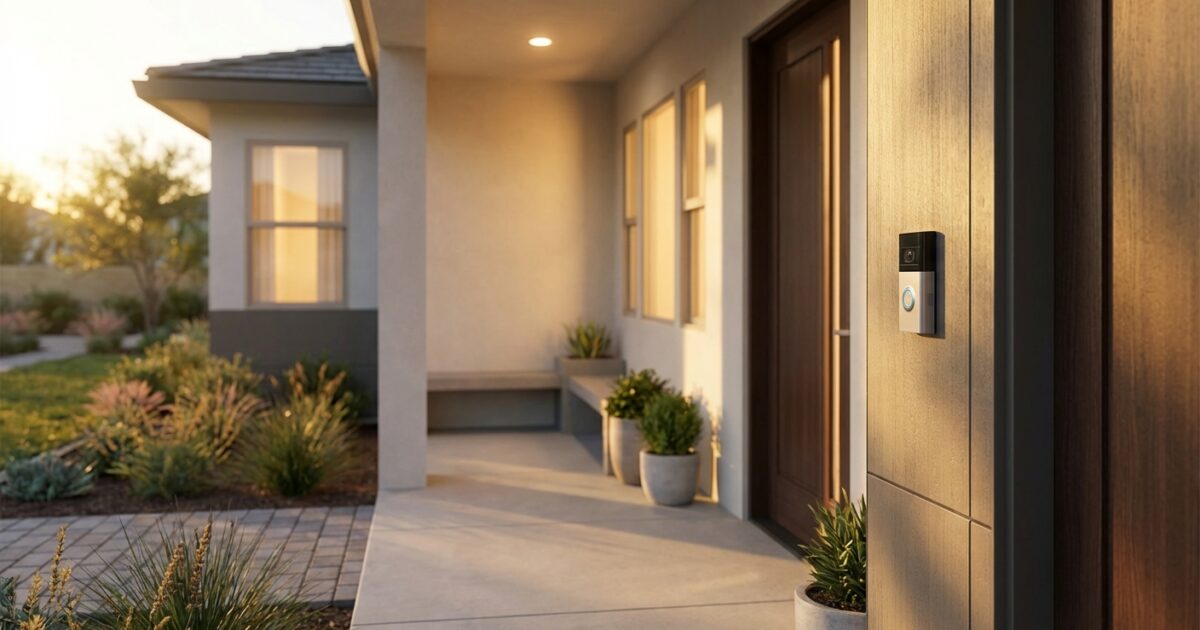
Video doorbells top the priority list because they serve multiple functions: package protection, visitor identification, and deterrent effect. Most break-ins happen through front doors, making this your most critical coverage area.
Entry point monitoring comes next. You’ll want sensors on main doors and ground-floor windows that face secluded areas. Skip every single window initially – focus on the most vulnerable access points.
Basic alarm capability rounds out your essentials. This doesn’t require professional monitoring initially. A loud siren often proves just as effective at scaring off intruders while alerting neighbors.
Budget-Friendly System Breakdown
You’ll find three standout options that consistently deliver reliable performance without premium price tags. Each offers different strengths depending on your specific needs and budget constraints.
Ring Alarm System
Ring’s ecosystem offers the most comprehensive starter options. The basic five-piece kit includes a base station, keypad, contact sensor, motion detector, and range extender for around $200. You’ll pay $10 monthly for professional monitoring or use it without subscriptions for basic notifications.
The system excels at expansion possibilities. Adding doorbell cameras, outdoor cameras, and smart locks creates a cohesive network. Installation takes about 30 minutes using sticky backing – no drilling required for most components.
Downsides include dependency on Amazon’s ecosystem and limited local storage options. You’ll need cloud storage subscriptions for video retention beyond live viewing.
Eufy Security Solutions
Eufy stands out for eliminating monthly fees entirely. Their HomeBase 2 system with door sensors, motion detectors, and keypad runs about $250, but you’ll never pay subscription costs. Video cameras include local storage, keeping your footage private and accessible without internet dependency.
The system performs exceptionally well for DIY installation. Battery-powered sensors last up to two years, and the app provides clear, intuitive controls. Integration with other smart home platforms works seamlessly.
Consider the limited professional monitoring options and fewer third-party integrations compared to Ring. You’ll sacrifice some convenience features for the subscription-free model.
Wyze Home Monitoring
Wyze delivers impressive value with their starter kit priced around $100. You’ll get sensors, a hub, and keypad with optional professional monitoring for just $10 monthly. Their cameras cost under $30 each, making expansion extremely affordable.
The platform shines for budget-conscious homeowners willing to accept some limitations. Basic features work reliably, and the community provides extensive DIY support and modifications.
Expect occasional connectivity issues and slower customer support response times. The ultra-low pricing comes with compromises in build quality and advanced features.
DIY Installation Success Tips
Most modern security systems install without professional help, saving you $200-500 in setup fees. Plan your installation during daylight hours when you can clearly see mounting locations and test signal strength.
Start with the base station placement. Position it centrally in your home, away from large metal appliances that interfere with wireless signals. Basements and closets often provide ideal locations with power outlets and minimal foot traffic.
Test each sensor before permanent mounting. Walk through your home with sensors to identify dead zones or weak signal areas. Most systems include signal strength indicators in their apps.
Use the provided adhesive mounts initially, even if you plan permanent installation later. This allows you to test positioning and adjust placement without damaging walls or components.
Consider professional installation for complex setups involving hardwired cameras, multiple buildings, or integration with existing home automation systems. The investment pays off when you need reliable performance and warranty coverage.
Smart Home Integration Possibilities
Your security system can serve as the foundation for broader smart home automation. Most budget systems integrate with voice assistants, smart thermostats, and lighting controls.
Start simple with automated lighting that activates when motion sensors trigger. This enhances security while providing practical benefits for daily routines. Smart locks connected to your security system allow remote access control and automatic arming/disarming.
Avoid overcomplicating your initial setup. Focus on security functions first, then gradually add convenience features as you become comfortable with the system’s operation.
Additional Low-Cost Security Measures
Your electronic system works best when supported by physical security improvements. These enhancements cost little but significantly boost your overall protection level.
Motion-activated lighting around entry points deters opportunistic criminals while helping you navigate safely at night. LED floodlights with built-in motion sensors cost under $50 each and install in minutes.
Door and window reinforcement prevents quick break-ins that bypass your alarm system entirely. Door jamb reinforcement plates ($20-30) and window security film ($2-5 per square foot) add substantial resistance against forced entry.
Security signage and decals from your chosen system provider create visible deterrent effects. Display these prominently near entry points and windows. Even budget systems often provide professional-looking signs that suggest monitored protection.
Landscaping modifications eliminate hiding spots and improve visibility around your property. Trim bushes below window sills and maintain clear sight lines from the street to your front door.
Common Beginner Mistakes to Avoid
You’ll save money and frustration by avoiding these frequent first-timer errors. Many new homeowners either over-invest initially or choose systems that don’t match their actual needs.
Don’t purchase professional monitoring immediately. Test your system for several weeks using self-monitoring to understand its capabilities and limitations. You can always add professional services later if needed.
Resist the urge to sensor every possible entry point initially. Focus on the most likely access routes and expand gradually based on your specific property’s vulnerabilities.
Avoid mixing multiple security platforms initially. While integration is possible, starting with one ecosystem simplifies management and ensures reliable communication between components.
Skip expensive installation packages unless you’re dealing with hardwired systems or complex smart home integration. Most wireless systems install easily with basic tools and clear instructions.
Recommended Starter Setups by Budget
$200 Budget: Essential Protection
Focus on a video doorbell and basic alarm system. Choose either a Ring Video Doorbell plus a simple door sensor alarm, or a Wyze starter kit with their budget doorbell camera. This combination covers package theft and provides entry monitoring with smartphone alerts.
$500 Budget: Comprehensive Coverage
Invest in a complete system with room for expansion. The Ring Alarm 5-piece kit plus Video Doorbell provides excellent coverage, or consider Eufy’s HomeBase system with additional door sensors and an indoor camera. Add motion-activated outdoor lighting to complete your setup.
$1000+ Budget: Advanced Features
Build a robust system with professional monitoring options. Combine a complete Ring or Eufy system with multiple cameras, smart locks, and professional installation if desired. Include glass break sensors and outdoor cameras for perimeter monitoring.
Your first home security system doesn’t need to be perfect immediately. Start with basic coverage of your highest-risk areas, then expand and upgrade as you learn your property’s specific needs. The peace of mind that comes from basic protection far outweighs the cost, and you’ll sleep better knowing your new home and belongings are monitored and protected.